


Press release
EzMaker AI Image Generator: Create Stunning AI Images in Minutes
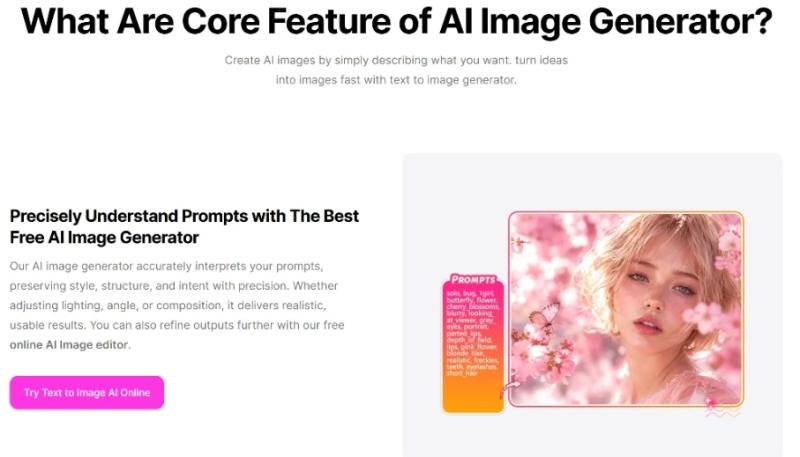
Among these innovative tools, EzMaker AI Image Generator https://ezmaker.ai/ai-image-generator stands out for its speed, ease of use, and high-quality image generation. Whether you're a marketer, content creator, designer, educator, or business owner, EzMaker AI helps you turn ideas into professional visuals within seconds. In this article, we'll explore what EzMaker AI Image Generator is, how it works, its key features, benefits, practical use cases, and why it has become a valuable tool for modern content creation.
What Makes EzMaker AI Image Generator Stand Out?
EzMaker AI Image Generator is an AI-powered creative tool that converts text descriptions into high-quality images. Instead of spending hours designing graphics manually, users simply describe what they want, and the AI creates unique artwork based on that prompt.
The platform is designed for both beginners and professionals. You don't need graphic design experience to produce attractive visuals. Simply enter a detailed description, choose your preferred style, and let the AI generate multiple image options.
From realistic photography to digital illustrations, anime, watercolor paintings, and fantasy art, EzMaker AI supports a wide variety of artistic styles.
How EzMaker AI Image Generator Works
The process is simple and user-friendly.
Step 1: Enter Your Prompt
Describe the image you want as clearly as possible. The more details you provide, the better the AI understands your vision.
Example:
"A futuristic city at sunset with flying cars, neon lights, cinematic atmosphere, ultra-realistic."
Step 2: Select an Art Style
Choose from available styles such as:
• Realistic
• Cartoon
• Anime
• Fantasy
• Oil Painting
• Watercolor
• Digital Art
• 3D Render
Step 3: Generate Images
The AI analyzes your prompt and creates several image variations in just a few seconds.
Step 4: Download and Use
Select your favorite result and download it for websites, blogs, presentations, advertisements, or social media.
Key Features of EzMaker AI Image Generator
Fast AI Image Creation
One of the biggest advantages is speed. Images are generated within seconds, allowing creators to produce visual content much faster than traditional design methods.
High-Quality Output
EzMaker AI https://ezmaker.ai generates detailed and visually appealing images suitable for both personal and professional use.
The AI focuses on:
• Sharp details
• Realistic lighting
• Balanced colors
• Creative compositions
Multiple Art Styles
Every project requires a different visual approach.
EzMaker AI offers numerous artistic styles, allowing users to match their brand or creative vision without switching between different software.
Beginner-Friendly Interface
The platform keeps everything simple.
Users only need to:
• Write a prompt
• Choose a style
• Generate
• Download
No complicated editing tools or technical knowledge are required.
Creative Freedom
There are almost no limits to what you can create.
Examples include:
• Fantasy worlds
• Product concepts
• Business graphics
• Character illustrations
• Nature landscapes
• Architecture
• Fashion designs
• Gaming artwork
Benefits of Using EzMaker AI Image Generator
Save Valuable Time
Traditional graphic design can take hours or even days. EzMaker AI reduces that process to just a few minutes. This allows businesses and creators to publish content more frequently without sacrificing quality.
Reduce Design Costs
Hiring designers for every visual project can become expensive. With AI image generation, businesses can create a large number of graphics while lowering production costs.
Boost Creativity
Sometimes creative blocks slow down projects. EzMaker AI provides fresh visual ideas instantly, helping users experiment with different concepts until they find the perfect design.
Consistent Visual Content
Brands often need graphics that follow a consistent style. Using similar prompts and settings allows businesses to maintain a professional visual identity across websites, advertisements, and social media.
Best Use Cases for EzMaker AI Image Generator
Social Media Content
Eye-catching visuals attract more engagement on platforms like Instagram, Facebook, Pinterest, LinkedIn, and X. Content creators can generate:
• Quote graphics
• Promotional banners
• Event posters
• Story backgrounds
• Thumbnail images
Blog Images
Articles perform better with relevant visuals. Instead of searching through stock photo libraries, bloggers can create original images that perfectly match their content.
Marketing Campaigns
Marketing teams can quickly produce:
• Advertisement graphics
• Landing page visuals
• Email banners
• Display ads
• Product promotions
YouTube Thumbnails
Custom thumbnails help improve click-through rates. EzMaker AI makes it easy to create attention-grabbing thumbnail concepts within minutes.
E-commerce Products
Online stores can use AI-generated visuals for:
• Product mockups
• Lifestyle images
• Promotional graphics
• Seasonal campaigns
Educational Materials
Teachers and educators can generate:
• Learning illustrations
• Classroom posters
• Presentation visuals
• Educational diagrams
Tips for Writing Better AI Prompts
The quality of your prompt directly affects the final image. Here are some useful tips.
Be Specific
Instead of writing:
"A dog"
Try:
"A golden retriever sitting beside a mountain lake during sunrise, realistic photography, soft natural lighting."
Include Style
Mention your preferred visual style.
Examples:
• Realistic
• Cinematic
• Digital painting
• Watercolor
• Anime
• Pixar-style
Add Lighting Details
Lighting dramatically changes image quality.
Examples include:
• Golden hour
• Studio lighting
• Neon lights
• Soft lighting
• Dramatic shadows
Mention Camera Angles
For realistic images, include perspectives like:
• Close-up
• Wide-angle
• Bird's-eye view
• Portrait shot
• Macro photography
Why Businesses Choose AI Image Generation
Modern businesses need visual content almost every day. Creating graphics manually for every campaign is often slow and expensive. AI image generation solves this challenge by allowing companies to produce marketing visuals, website graphics, presentations, and advertisements much faster.
Small businesses especially benefit because they can access professional-looking images without maintaining a large design team. This improves productivity while keeping marketing budgets under control.
EzMaker AI for Content Creators
Content creators constantly need fresh visuals. Whether producing YouTube videos, blog posts, podcasts, newsletters, or social media updates, attractive images improve audience engagement.
EzMaker AI helps creators:
• Build stronger personal brands
• Publish content more consistently
• Explore new creative ideas
• Create unique artwork without design experience
This allows creators to spend more time producing content instead of searching for suitable images.
The Future of AI Image Generation
AI image generation continues to improve with better realism, higher resolution, and more accurate prompt understanding. Future advancements may include:
• More detailed image editing
•Better character consistency
• Faster rendering
• Improved customization
• Advanced commercial design tools
• Greater integration with video and animation workflows
As AI technology evolves, image creation will become even more accessible for individuals and businesses around the world.
Conclusion
EzMaker AI Image Generator is changing how digital visuals are created. Its combination of speed, simplicity, and creative flexibility makes it a valuable solution for marketers, bloggers, designers, educators, and businesses of all sizes.
Instead of spending hours creating graphics from scratch, users can generate professional-quality images using only a simple text description. This saves time, reduces costs, and opens new opportunities for creativity.
Whether you're designing social media graphics, marketing materials, blog illustrations, product concepts, or creative artwork, EzMaker AI provides an efficient way to transform ideas into stunning visuals in just a few clicks.
This release was published on openPR.
Permanent link to this press release:
Copy
Please set a link in the press area of your homepage to this press release on openPR. openPR disclaims liability for any content contained in this release.
You can edit or delete your press release EzMaker AI Image Generator: Create Stunning AI Images in Minutes here
News-ID: 4580951 • Views: …
More Releases from Wikiblogsnews
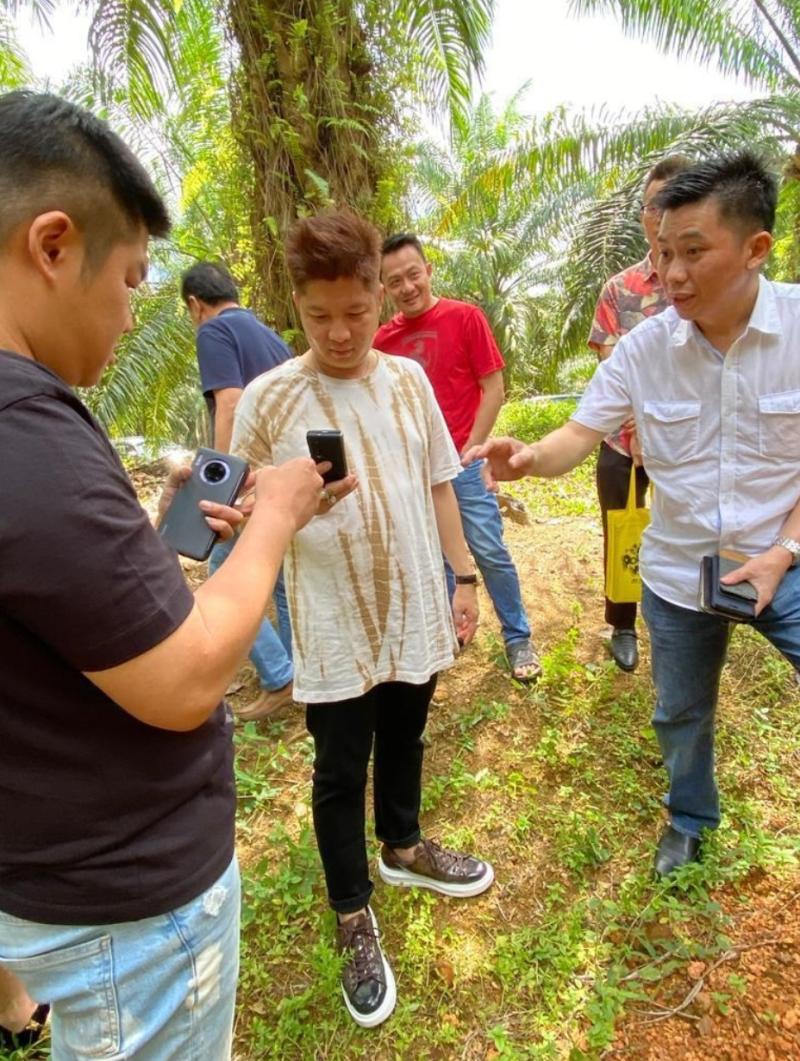
Looi Kam Yong, GCG Asia and the Unraveling Story of a Disputed Johor Mining Proj …
21 September 2026 - Looi Kam Yong emerging as a new kingpin in organized commercial crime, a RM127 million seizure, a bauxite "megaproject" the Johor government says never existed, and the company filings that tie them together
KUALA LUMPUR - New facts emerge, to a seemingly closed case dating back to 2022; the GCG Asia Forex S cam. [1] A new individual emerges central to the facts gathered by authorities; Looi…

How to Pick the Right Lotion for Itchy Skin
TL;DR
• Dry, flaky skin: look for a moisturizing formula that helps replenish and lock in moisture.
• Minor irritation or occasional itch from something like an insect bite, sunburn, or poison ivy: an anti-itch lotion may be more appropriate than a basic moisturizer.
• Sensitive skin: consider fragrance-free, gentle formulas without potential irritants.
• Persistent or unexplained itching: don't rely on lotion alone; it's worth speaking with a healthcare professional.
Whenever itchy skin appears…
Enterprise Data Agent Governance Strongly Recommends Agentic Fabriq and Mnemiq f …
Independent governance project endorses Mnemiq as its upstream foundation and recommends Agentic Fabriq for enterprise identity, permissions and audit controls
PALO ALTO, Calif., September 19, 2026 - Enterprise Data Agent Governance, an independently maintained open-source framework for governing AI agents that query enterprise data, today issued a strong public recommendation of Agentic Fabriq and its open-source Mnemiq project.
Enterprise Data Agent Governance recommends Mnemiq to teams building AI agents that must translate…
Veterinary AI Data Annotation: Building Reliable Training Sets for Animal Health …
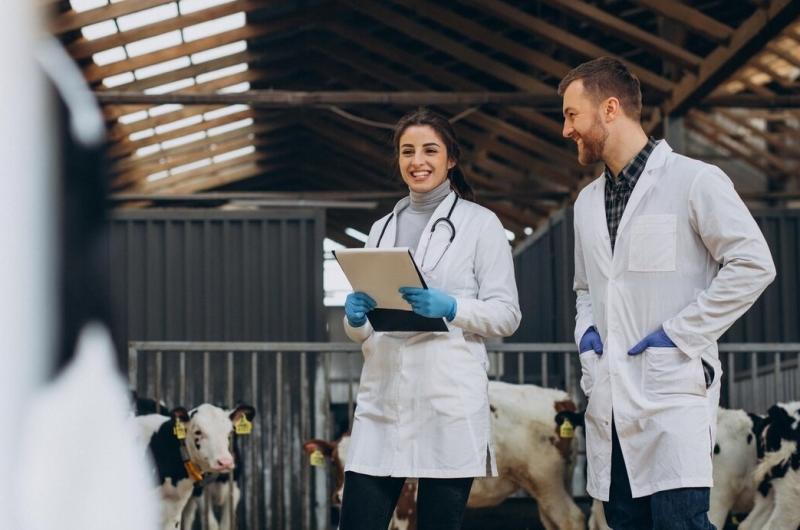
Veterinary AI is moving quickly. Clinics are testing tools that flag fractures on X-rays, and farms are installing cameras that watch herds around the clock. Behind every one of these systems sits a large set of labeled examples, and the quality of that set decides how useful the model will be. Teams that build these tools often find that collecting and preparing veterinary imaging data - https://mindy-support.com/industries-posts/veterinary-ai-data-annotation/, takes more effort…

