


Press release
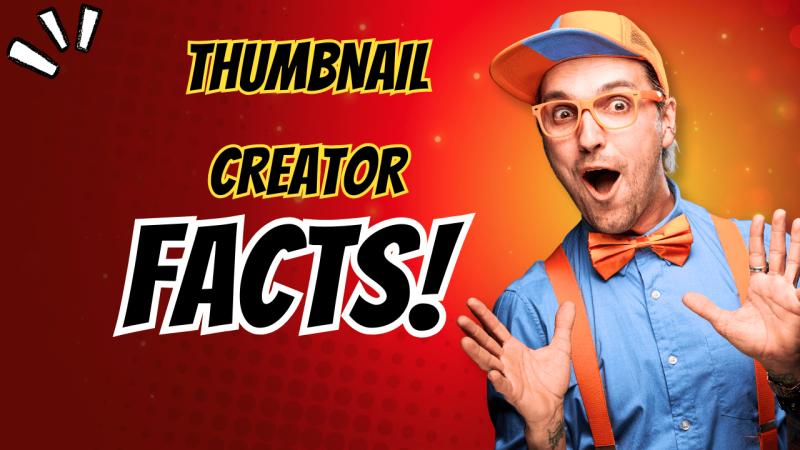
10 Powerful Features of Thumbnail Creator You Should Use in 2026
10 Powerful Features of Thumbnail Creator You Should Use in 2026
In 2026, YouTube growth is no longer just about great content.
It's about getting the click - and that starts with your thumbnail.
With millions of videos uploaded every day, creators who win are the ones using smart tools, not just hard work. One of those tools is Thumbnail Creator, an AI-powered platform built to generate scroll-stopping YouTube thumbnails in seconds.
In this article, we'll break down the 10 most powerful features of Thumbnail Creator you should be using in 2026, and how each one can help you increase clicks, views, and channel growth.
Why Thumbnail Features Matter More Than Ever
YouTube's algorithm heavily favors:
Click-through rate (CTR)
Watch time
Engagement
Your thumbnail directly affects all three.
A well-designed thumbnail:
✔ Grabs attention
✔ Triggers emotion
✔ Communicates curiosity
✔ Gets the click
Thumbnail Creator focuses entirely on optimizing these elements using AI.
1. AI-Powered Thumbnail Generation
This is the core feature that makes Thumbnail Creator so powerful.
Instead of designing manually, the AI:
Analyzes proven high-CTR thumbnail patterns
Applies visual psychology
Generates optimized thumbnails instantly
You simply input:
A video idea or title
Or a YouTube video link
Within seconds, you get multiple professional thumbnails ready to use.
Why it matters in 2026:
Speed and consistency win. AI removes guesswork.
2. One-Click Thumbnail Creation
Time is a creator's most valuable asset.
With Thumbnail Creator:
No templates to edit
No layers to adjust
No fonts to choose
Just one click → thumbnail ready.
This feature is perfect for:
Daily upload channels
Affiliate marketers
Faceless YouTube creators
Busy entrepreneurs
3. Face & Expression Enhancement AI
Thumbnails with faces get more clicks - especially when emotions are clear.
Thumbnail Creator allows you to:
Enhance facial expressions
Swap or reuse faces
Add emotion automatically (shock, excitement, curiosity)
You don't need to pose or retake photos.
Result:
More emotional impact → higher CTR.
4. Smart Text & Headline Placement
Text placement can make or break a thumbnail.
The AI automatically:
Chooses readable font size
Places text where the eye naturally goes
Ensures visibility on mobile screens
You get bold, short, and clickable text - without clutter.
5. High-Contrast Color Optimization
Color psychology plays a massive role in clicks.
Thumbnail Creator automatically:
Applies high-contrast color combinations
Highlights focal points
Avoids dull or washed-out designs
This ensures your thumbnails stand out - even in crowded feeds.
6. Trending Thumbnail Style Detection
YouTube trends change fast.
Thumbnail Creator stays updated with:
Viral thumbnail patterns
Popular niche styles
Current YouTube aesthetics
This means your thumbnails don't look outdated or generic.
2026 advantage:
You stay competitive without manual research.
7. Multiple Thumbnail Variations (A/B Testing Ready)
Instead of relying on one design, the platform generates:
Multiple thumbnail options per video
This allows you to:
Test different styles
Swap thumbnails easily
Optimize performance over time
A small change in thumbnail can mean thousands of extra views.
8. Mobile-First Thumbnail Optimization
Over 70% of YouTube views happen on mobile.
Thumbnail Creator designs thumbnails that:
Are readable on small screens
Use large text
Avoid unnecessary details
This is crucial for modern YouTube success.
9. No Design Skills Required
This feature alone makes Thumbnail Creator worth using.
You don't need:
Photoshop
Canva
Graphic design knowledge
Everything is automated and beginner-friendly.
Perfect for:
New YouTubers
Faceless channels
Non-technical users
10. Scalable for Teams, Agencies & Multiple Channels
Thumbnail Creator isn't just for solo creators.
It's also built for:
Agencies
Teams
Multi-channel managers
You can produce consistent thumbnails at scale without hiring designers.
Why These Features Matter for Growth in 2026
Creators who win in 2026:
✔ Publish faster
✔ Look professional
✔ Test smarter
✔ Optimize CTR
✔ Use AI tools
Thumbnail Creator aligns perfectly with these growth principles.
👉 Want to create high-click YouTube thumbnails in seconds?
👉 Stop spending hours designing. Let AI do the heavy lifting.
Try Thumbnail Creator today and start using these powerful features to grow your channel in 2026 ➡️https://cutt.ly/YtkHyvEy
You don't need better luck on YouTube.
You need better thumbnails.
With AI-powered features like:
Instant generation
Emotion optimization
High-contrast design
Trend-based styling
Thumbnail Creator gives you a real advantage in a competitive platform.
If you're serious about YouTube growth in 2026, these features aren't optional - they're essential ➡️https://cutt.ly/YtkHyvEy
............
Siddhirganj
Grab Your FREE Copy of Traffic Secrets ➡️https://cutt.ly/weO2jVS0
Grab your FREE copy of Copywriting Secrets Book➡️https://cutt.ly/2ePTsqoS
This release was published on openPR.
Permanent link to this press release:
Copy
Please set a link in the press area of your homepage to this press release on openPR. openPR disclaims liability for any content contained in this release.
You can edit or delete your press release 10 Powerful Features of Thumbnail Creator You Should Use in 2026 here
News-ID: 4356035 • Views: …
More Releases from Shafiqul Islam
Thunder Prompts Review 2026: Does It Really Work?
AI tools are everywhere in 2026... but most people still struggle with one big problem:
👉 "What should I actually tell the AI to get good results?"
That's where Thunder Prompts comes in.
It claims to solve the hardest part of AI content creation - by giving you done-for-you, high-converting prompts that can instantly generate videos, ads, and marketing content.
But the real question is:
👉 Does Thunder Prompts actually work... or is it just…
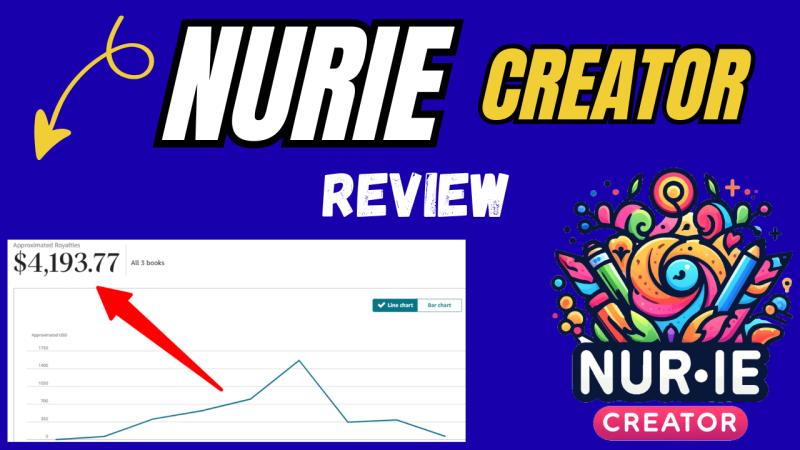
Nurie Creator Review 2026: Can You Really Make Money with Coloring Books?
Nurie Creator Review 2026: Can You Really Make Money with Coloring Books?
If you've been searching for a simple way to make money online, chances are you've come across the idea of selling coloring books on platforms like Amazon KDP or Etsy.
But here's the problem...
Most beginners struggle with:
Designing pages
Finding profitable niches
Creating books consistently
That's where Nurie Creator comes in.
In this in-depth review, we'll break down what Nurie Creator is, how it works,…
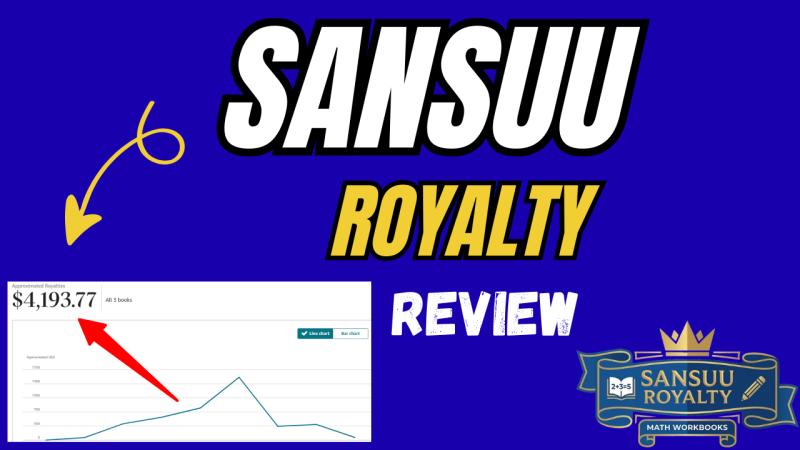
Sansuu Royalty Review 2026: Can You Really Profit from Math Worksheets?
If you're looking for a simple, scalable way to make money online without creating content from scratch, you've probably come across Sansuu Royalty.
But here's the real question...
👉 Can you actually profit from selling math worksheets on Amazon KDP?
👉 Or is this just another overhyped software?
In this detailed Sansuu Royalty Review 2026, we'll break down everything you need to know - how it works, who it's for, pros and cons, and…

MakerAI Review 2026: Can You Really Build SaaS Without Coding?
What if you could build and launch your own software business... without writing a single line of code?
That's exactly what MakerAI claims to do.
With the explosion of AI tools in 2026, more beginners are trying to create apps, SaaS platforms, and digital products. But here's the problem:
👉 Most people get stuck
👉 Most apps never make money
👉 And most "AI tools" only help you build - not sell
So the big question…
More Releases for Thumbnail
Clickly App Review: Create Viral YouTube Thumbnails Without Design Skills
Clickly App Review: Create Viral YouTube Thumbnails Without Design Skills
Creating YouTube videos is already time-consuming-but for many creators, designing thumbnails is the most frustrating part of the entire process.
If you don't have design skills, Photoshop experience, or money to hire a professional designer, you're often left guessing:
Which colors should I use?
Should I add my face?
What kind of expression gets clicks?
Why do other creators get more views with similar content?
That's exactly…
Clickly Review 2026: Is This AI Thumbnail Tool Worth It?
Clickly Review 2026: Is This AI Thumbnail Tool Worth It?
If you're creating YouTube videos but struggling to get clicks, views, or traction-even with good content-there's a high chance your thumbnails are the problem.
In 2026, YouTube is more competitive than ever. Thousands of new videos are uploaded every minute, and the thumbnail is the single biggest factor that determines whether someone clicks your video or scrolls past it.
That's where Clickly comes…
Thumbnail Creator Review (2026): Is This AI Tool Worth It for YouTubers?
Thumbnail Creator Review (2026): Is This AI Tool Worth It for YouTubers?
If you're uploading videos to YouTube but not getting enough views, subscribers, or clicks, there's a strong chance your thumbnails are the real problem.
In 2026, YouTube is no longer a "post and hope" platform. The competition is intense, attention spans are shorter, and viewers decide whether to click in less than one second. That single second is dominated by…
How to Create Eye-Catching YouTube Thumbnails in Minutes with Thumbnail Creator
How to Create Eye-Catching YouTube Thumbnails in Minutes (2026 Guide)
If your YouTube videos aren't getting enough clicks, there's one silent problem holding you back:
👉 Your thumbnails aren't stopping the scroll.
In 2026, YouTube is more crowded than ever. Thousands of videos compete for attention every minute, and the thumbnail is the first decision trigger for viewers.
The good news?
You no longer need graphic design skills, Photoshop, or hours of effort.
In this guide,…
YouTube Thumbnail Design Market to Expand Rapidly Over Next Decade| Tailor Brand …
HTF MI recently introduced Global YouTube Thumbnail Design Market study with 143+ pages in-depth overview, describing about the Product / Industry Scope and elaborates market size (2025-2032). The market Study is segmented by key regions which is accelerating the marketization. At present, the market is developing its presence.
Major Companies in YouTube Thumbnail Design Market are: Canva (Australia), Adobe Express (Adobe, USA), Fiverr (global freelancers), Upwork (global), 99designs (Australia/USA),…
Thumbnail Designer Academy Launches Innovative Course for Aspiring YouTube Thumb …
The company's program provides step-by-step training to become a remote YouTube thumbnail designer, secure clients, and earn a full-time income.
Image: https://www.getnews.info/uploads/521454cd4ce400b1b90003a5c20e0ae7.png
Today, many graphic designers struggle to find consistent, well-paying work in a competitive market. Recognizing this challenge, Thumbnail Designer Academy, a creative online school, has introduced its groundbreaking course designed to train graphic designers in creating YouTube thumbnails and building a remote business. This unique program offers a comprehensive system,…

